Apple Watch Three-Day Experience
I picked up my Apple Watch at 1 PM on launch day, April 24th. Mine is the 42mm sports model in blue. Paired it with my iPhone right away. Three days in, here are my thoughts.
First Setup:
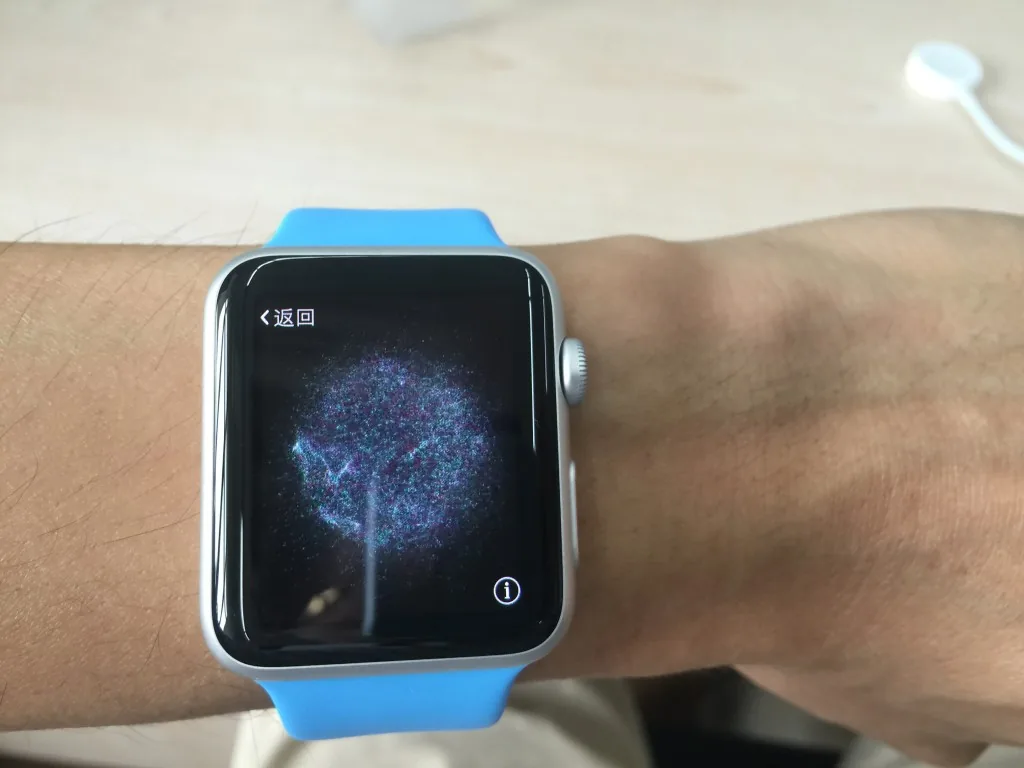
Pairing with the iPhone is straightforward — just open the Apple Watch app and point the camera at the watch. Despite the seemingly chaotic display on the watch screen, it actually contains hidden information. Setup is also simple: choose which wrist you wear it on, your exercise habits, and which apps from your iPhone you want installed. The whole process is very easy.
Innovation:
Compared to Android watches that launched a year ago, what advantages does the Apple Watch have? I think there are three key innovative features: the Digital Crown, the Taptic Engine, and Force Touch. Let me go through them one by one.
The Digital Crown evolved from the winding crown on traditional watches. It supports two operations: scrolling and pressing. The tactile feedback is excellent. Scrolling mainly functions like a mouse scroll wheel — flipping through screens, zooming in and out, and making simple adjustments like changing the watch face color. If you remember the scroll wheel on early Blackberry phones, it’s a similar feel. Pressing acts like a Home button, returning to the app grid. The main contribution of this little component is to avoid having to slide or pinch on the watch’s tiny screen, replacing some finger operations and making interactions more sensible.
The Taptic Engine is a linear vibration motor that delivers haptic feedback. Unlike traditional phone vibration motors where you can clearly feel a motor shaking, strapped to your wrist it feels more like someone gently touching your arm when a message comes in — that’s the haptic sensation. There’s no obvious vibration. It can produce various patterns of vibration. Apparently it can even replicate the sensation of a heartbeat, but unfortunately no one has sent me their heartbeat to test.
Force Touch allows the screen to detect different levels of pressure — light press and deep press. Many Apple Watch settings are hidden behind deep presses, like changing the watch face.
I think the Taptic Engine and Force Touch will likely make their way into the iPhone and iPad soon. Now that they’re in the watch, it’s just a matter of cost. Force Touch has already been adopted in the new MacBook, but its integration with the OS is still loose. If Force Touch is widely adopted in the iPhone with tighter iOS integration, it could further widen the gap with Android. Of course, Apple needs to consider backward compatibility, so there might be a two-to-three year transition period. The Digital Crown probably won’t make it to the phone though — unless Blackberry decides to sue.
Apps:
A watch can’t support deep user interaction. I think it basically serves two functions: simple notifications and fitness tracking. There’s also payment, but that’s not available in China yet so I couldn’t test it.
Notifications essentially move some iPhone alerts to the watch. Simple notifications that don’t require follow-up — like bank verification code SMS, unimportant WeChat messages, or emails — can be handled directly on the watch without touching your phone. I feel like my phone usage has dropped significantly since getting the Apple Watch. In my iPhone 6 Plus review, I mentioned that the iPhone lacks a notification LED, forcing people with OCD to keep lighting up their phone to check for messages. The Apple Watch has completely cured that. Even if I miss the vibration or sound of a notification, I just raise my wrist — if there’s a red dot, there’s a notification. I’ll never miss one again. A nice side effect is significantly improved iPhone battery life. My 6P used to last about a day and a half; now two days is no problem.
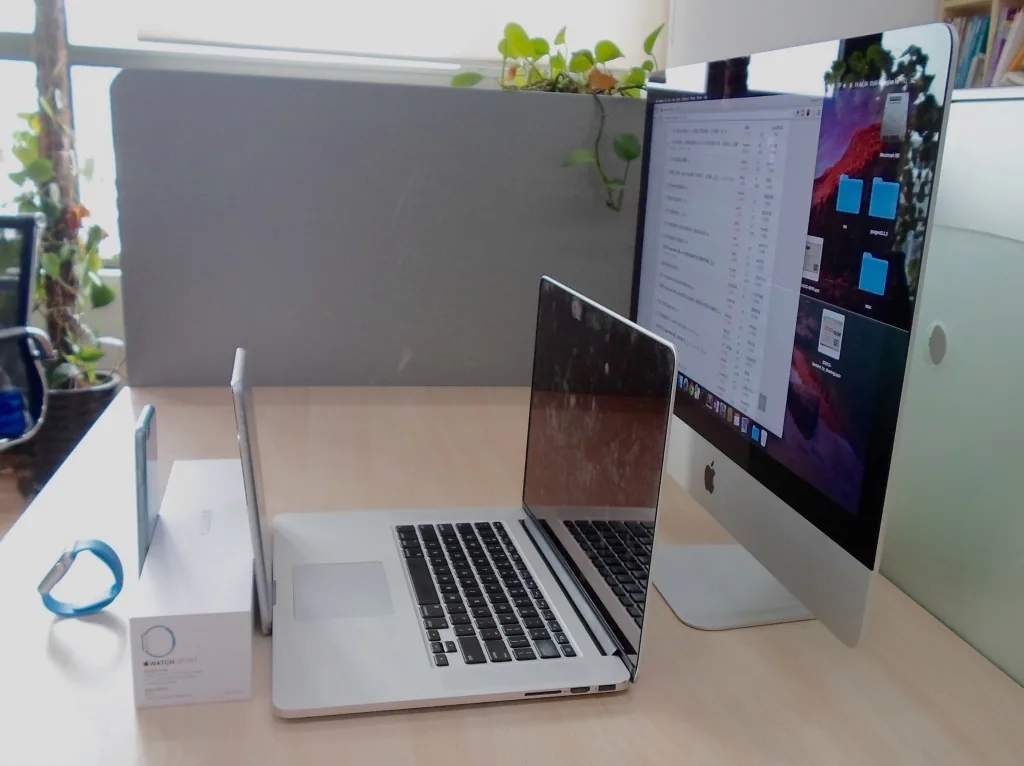
The first-party apps are solid. I tried making phone calls twice — tell Siri who to call, and it dials. Audio quality is acceptable. Incoming calls are a different story — all five of my Apple devices (iMac, MacBook Pro, iPad, iPhone, Apple Watch) ring simultaneously, and I can never decide which one to answer on. There’s also a camera app that pairs with the iPhone for taking selfies without help. Place your iPhone somewhere, and the watch shows the preview. Then fold your hands over your stomach and silently press the shutter on your watch — the classic leader pose, which apes apparently love. I’m not into music at all, so I didn’t test the music app. Third-party apps are lacking. I installed NetEase News, WeChat, Nike Plus, and Alipay. NetEase News is purely entertainment — who would read news on that tiny screen? Though the breaking news push notifications are interesting, just not very accurate, with lots of gossip wasting time. WeChat lets you browse moments and read messages, but it’s a bit laggy. Replying isn’t great either. I haven’t tried Nike Plus or Alipay.
Fitness
This is the Apple Watch’s main event. As Tim Cook said: “the most personal device we have ever created.” Where’s the personal aspect? Fitness. The Apple Watch has two fitness apps — one for daily monitoring and one to start before a workout. The monitoring app uses ring circles. One ring shows how far you are from your daily goal. There’s a sedentary reminder — if you’ve been sitting for an hour, it vibrates to remind you to get up and move for a minute. When you’re done, it vibrates to let you know you can sit down again. This feature is so thoughtful, unlike my Jawbone on the right wrist which just vibrates and forgets about you. There’s also a pedometer, but that’s too basic — even a 70 RMB Xiaomi band can do that — so I won’t go into it. Calorie burn is calculated based on weight and activity. I initially set my daily goal too high at 980 calories and failed for three consecutive days. Monday morning, the watch told me: “You’re not cutting it, your goal is too high — lower it.” So I adjusted to 880. Pretty thoughtful.
The other fitness app is for starting before a workout. You can choose indoor/outdoor running, walking, cycling, etc., and set a goal beforehand — like a calorie target or distance. The watch gives you progress updates and encouragement during exercise.
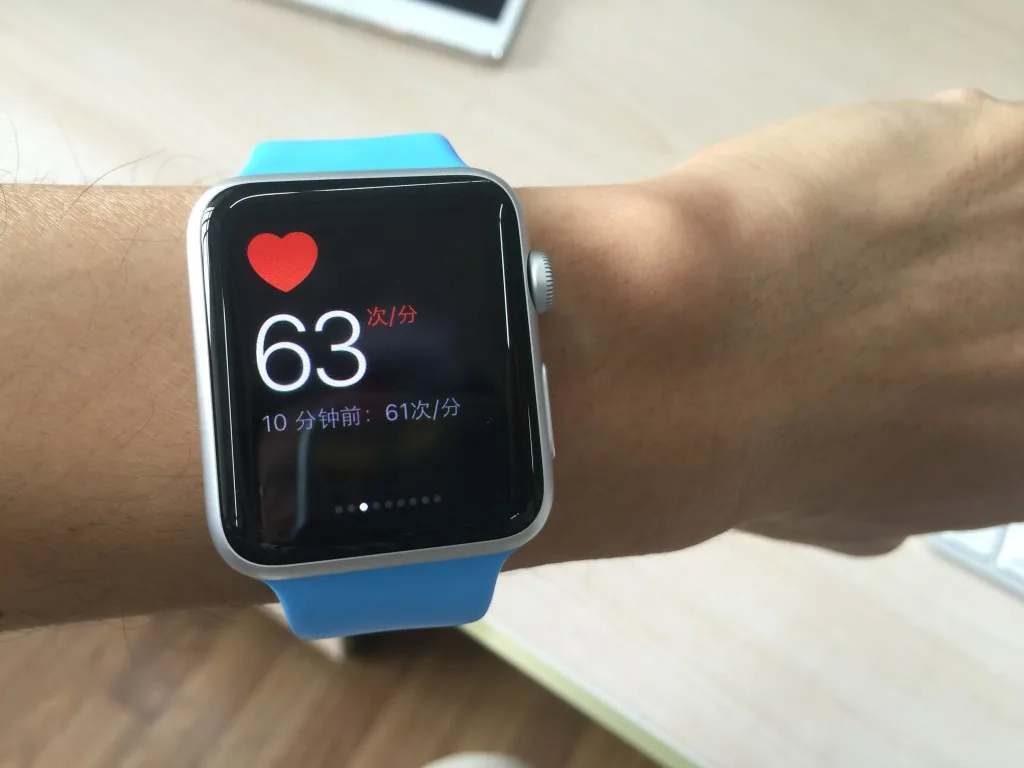
The night I got the watch, I went downstairs and ran 5K to test it. Previously, I’d run with my iPhone using Nike Plus, which had voice announcements per kilometer but still required checking the screen for progress. With the watch, just raise your wrist to see how long and how far you’ve run, and calories burned. Your phone can stay strapped to your arm without being touched. Apparently you can run without the phone entirely, but distance tracking is less accurate since the watch doesn’t have GPS — I haven’t tested this. There’s also heart rate monitoring, which is continuous. Since I run regularly, my resting heart rate is around 50-60 bpm. During running, the watch shows around 150. I tried sprinting and saw it peak at just over 160. All still within safe range. I wonder if for people who don’t exercise regularly, sprinting beyond a safe heart rate would trigger a warning. If so, it could prevent many tragedies at marathon events.
With the Apple Watch, iOS’s Health app becomes increasingly interesting. When I first got my iPhone, Health only had pedometer and floor-climbing data. Now there are more data sources, and the ecosystem is taking shape. I currently have three data sources: Jawbone Up band, Nike Plus, and Apple Watch. Three fitness tracking devices, each with overlap: iPhone tracks steps and floors, Jawbone tracks steps and sleep, Apple Watch tracks steps and heart rate. I can’t ditch any of them yet — only the iPhone measures floors, only the Watch measures heart rate, and only the Jawbone measures sleep. So it’s left wrist Watch, right wrist band, phone in pocket. A bit annoying.
Battery Life
Apple claims 18 hours of battery life for the 38mm model. Mine is 42mm, so it should last a bit longer. My experience: charging every two days is feasible. I charged fully on Friday evening, woke up at 6 AM Saturday, went to bed at 11 PM with exactly 50% remaining — I just turned the watch off. Sunday I woke at 6:30 AM and went to bed at 10 PM, and it was nearly drained. During that time, I made about three minutes of calls, got maybe a dozen notifications per hour, and exercised for 30 minutes over two days. On the second day, I turned off WeChat notifications — the constant buzzing was annoying, especially from people who send one message as five or six separate texts. I’ve been sleeping poorly lately and waking early. Under normal circumstances, two days would be no problem. More importantly, it extends the iPhone’s battery life. I used to keep location services and Siri off to save power; now I’ve turned everything on for the Apple Watch, and my phone battery actually seems better.
Apple has put a lot of thought into battery life. Raise-to-wake is very responsive — the screen turns off as soon as you lower your wrist. Even if it accidentally activates, it turns off immediately, so the impact is negligible. Of course, even with 24-hour battery life, it still can’t track sleep. Apple needs to keep working on this. A sensible approach might be adding a sleep mode in the next generation — switching to low-power mode, stopping all notifications, and just monitoring deep and light sleep. If it only used 5% battery overnight, that would work. Then I could finally throw away my Jawbone.
Finally, full disclosure: I hold AAPL stock, but the value isn’t enough to buy a top-of-the-line 18K gold Apple Watch. Judge objectivity for yourself.